Creator strategy
Faceless videos work best when the content is already strong
You do not need a talking-head workflow to build a real video channel. For many writers, educators, and B2B teams, faceless videos are the fastest way to turn existing content into something watchable and repeatable.
Why faceless videos are attractive in the first place
A lot of creators do not want the friction of cameras, lighting, retakes, and on-screen performance. Faceless videos remove that bottleneck. You can publish more consistently because the workflow depends on ideas and structure, not whether you are ready to be on camera that day.
That makes faceless video especially useful for writers, technical educators, founder-marketers, and newsletter operators. If your real strength is explaining, teaching, or making an argument clearly, the format can carry the message without requiring your face to be the product.
- No camera setup or recording session required
- Easier to publish consistently from written content
- Strong fit for educational, technical, and B2B topics
The best faceless videos usually start from written content
The biggest mistake is starting with empty video software and hoping a concept appears. A better workflow starts with an asset that already exists: a blog post, newsletter issue, product explainer, lesson outline, or research summary.
When the structure already exists in writing, the faceless video becomes an adaptation exercise instead of a blank-page exercise. That means faster production, better clarity, and less generic output.
- Use an article or script with a clear headline and sections
- Keep one main point per scene
- Reuse screenshots, diagrams, quotes, and charts where possible
What makes faceless videos feel high quality instead of generic
The format works when the viewer feels guided, not flooded. Strong narration, readable layouts, visual rhythm, and clear section transitions matter more than flashy filler. The goal is not hiding the fact that the video is faceless. The goal is making that choice feel intentional.
In practice, that means choosing templates and visuals that support comprehension. If the voiceover is natural and the scenes actually reflect the content, viewers do not care that there is no talking head.
- Open with a strong hook in the first few seconds
- Use on-screen text to reinforce the main point, not repeat every word
- Prefer clarity, pacing, and structure over random stock footage
Faceless videos are a strong distribution layer
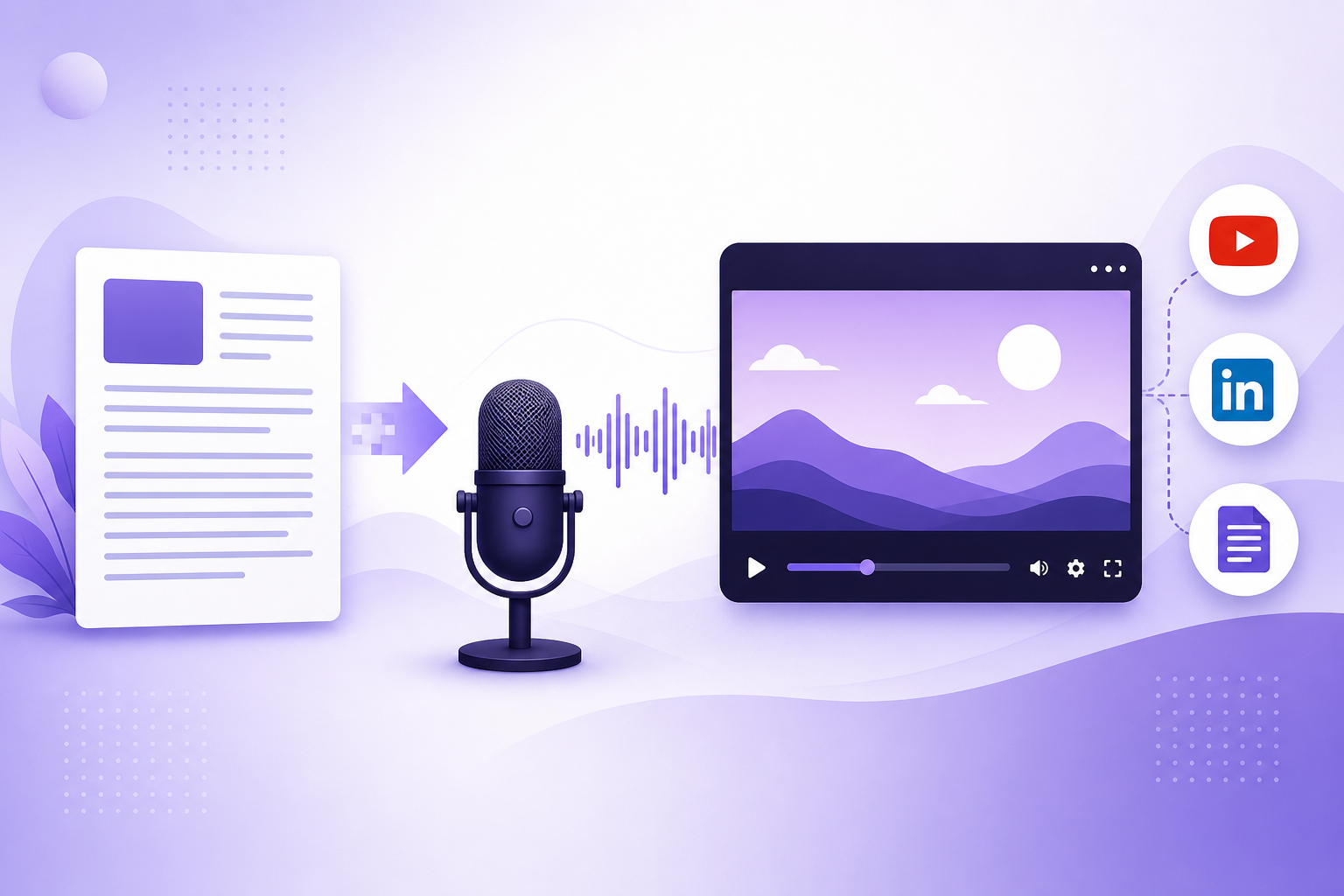
A faceless workflow is useful because it multiplies content that already works elsewhere. One article can become a full YouTube explainer, a shorter teaser, an embedded on-page video, and social cutdowns without turning every publish into a production project.
That is where the compounding value appears. The blog captures search. The video improves retention and creates another discovery surface. The short-form cut creates reach. One idea starts doing more work.
How Article Video Studio helps
1. Start from a URL, article, or document - Article Video Studio uses the content you already wrote as the source of truth.
2. Pick a voice and template - choose a visual style that fits explainers, commentary, or educational content without needing to be on camera.
3. Generate and publish - create a faceless video you can use on YouTube, embed in the original post, or cut into additional formats.
Frequently Asked Questions
Who is this guide for around faceless videos?
It is designed for written-first creators and teams who already have source material and want a repeatable path into video rather than a prompt-only workflow.
Does this help with creating narration-led videos without being on camera?
Yes. Each article is written to help you turn one content asset into multiple formats while keeping the original message intact.