How-to
How to make an AI book cover from a description
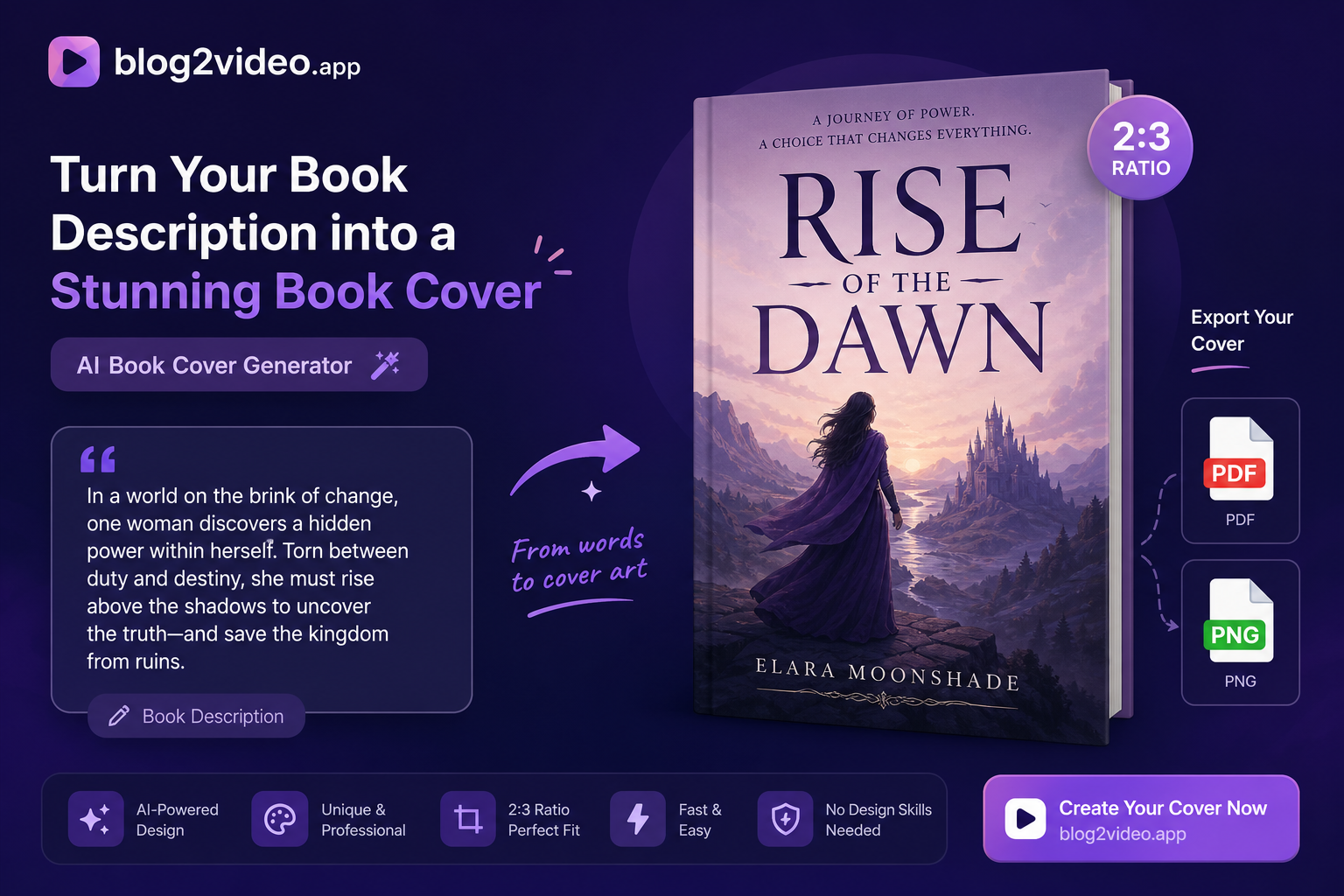
Describe your book in a paragraph or two and get a designed front cover in classic 2:3 proportions — exportable as PNG, JPEG, or a print-ready PDF. Here's how to write the description and use the free generator.
A good cover starts with a good description
An AI book cover is only as strong as the description you feed it. The generator can't read your manuscript — it works from what you tell it — so the more specific and evocative your description, the more the cover will feel like your book rather than generic stock art.
Aim for roughly 200 words. That's enough to be specific without turning into a full synopsis the model has to compress.
What to include in the description
Cover the elements that actually shape a cover's look and mood:
- Genre, stated outright: "a tense literary thriller," "a cozy small-town romance," "a hard sci-fi epic."
- Tone and mood: cold and atmospheric, warm and hopeful, dark and urgent.
- One or two concrete images or symbols you want featured — a lighthouse, a cracked crown, a lone figure on a ridge.
- Any palette or era cues: muted winter tones, neon-noir, 1920s art deco.
Why book covers are portrait 2:3
Almost every printed and e-book cover uses a portrait 2:3 proportion — it's what reads correctly as a physical book and what stays legible as a small thumbnail on a store page. The generator is fixed to that ratio, so you don't have to think about dimensions.
It also leaves natural space near the top or center for a title and author name, which you'll usually want to finalize with your own typography.
Generate and export in the format you need
Paste your description into the free Book Cover Generator and it designs a front cover for you. Once it's generated, export it in the format that fits your workflow: PNG for the highest quality, JPEG for a smaller file, or a print-ready PDF sized to the cover for Kindle Direct Publishing and other print-on-demand services.
Free accounts include five cover generations, which is plenty to try a few directions and pick a favorite. Treat any AI-rendered title text as a placeholder and replace it with your final typography before you publish.
Frequently Asked Questions
How many book covers can I generate for free?
Free accounts include five AI book cover generations. Exported covers are yours to keep, and Pro and Standard plans have unlimited generations.
What formats can I export the cover in?
PNG (highest quality), JPEG (smaller file), or a print-ready PDF sized to the cover — useful for Kindle Direct Publishing and other print-on-demand services.
Can I use the generated cover commercially?
It's a strong design starting point. Review the imagery for anything resembling a real person or trademarked work before commercial use, and replace AI-rendered title text with your own final typography.