SEO basics
6 Best Blog Title Checker Tools for SEO Rankings in 2026
The best free blog title checker tools compared — Article Video Studio, CoSchedule, WPBeginner, Capitalize My Title, Ideqo, and AIOSEO. Learn what separates a good title from one that ranks and gets clicked.
Overview
TL;DR: The six best blog title checker tools for SEO in 2026 — Article Video Studio, CoSchedule, WPBeginner, Capitalize My Title, Ideqo, and AIOSEO — compared on the feedback that actually separates a title that ranks and gets clicked from one that doesn't.
A blog post can be well-written, thoroughly researched, and technically optimized — and still fail to get clicks because the title doesn't connect. The title is the only part of your post that most people ever see. It determines whether they click in search results, in your newsletter, and on social media.
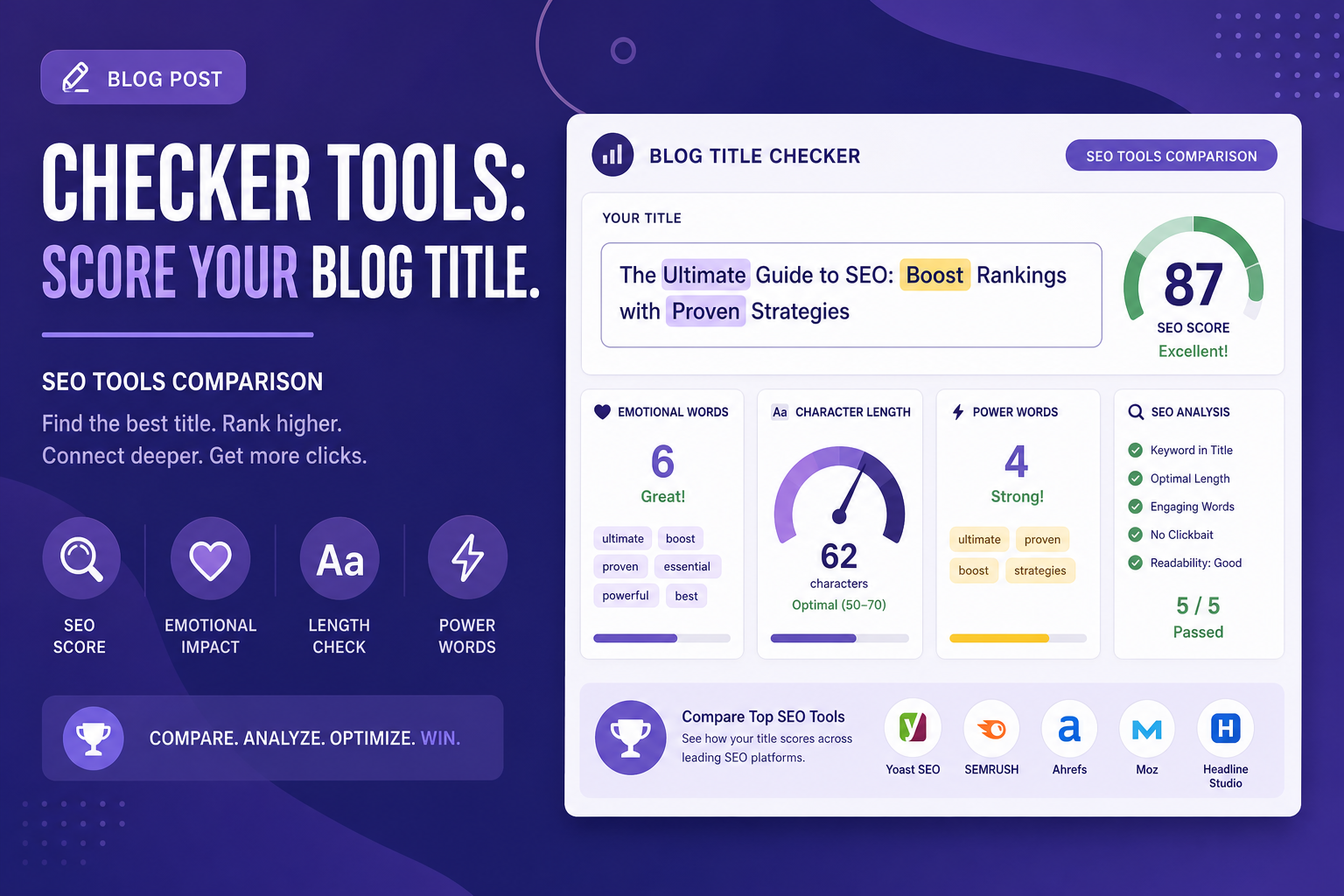
Blog title checker tools give you a quantified score and specific feedback on what your title is doing well and what it's missing. Here are the six best tools for checking and improving blog titles in 2026.
What Does a Blog Title Checker Look For?
Good blog title checkers analyze across several dimensions:
1. Emotional words — do any words trigger curiosity, urgency, or desire?
2. Power words — high-impact words correlated with higher CTR
3. Character length — the SEO-safe range is 50–60 characters for search snippets
4. Keyword presence — is there a searchable term in the title?
5. Sentiment — is the framing positive, negative, or neutral?
6. Word balance — ratio of common, uncommon, emotional, and action words
Most tools output a score from 0–100. A score above 70 is generally considered strong. Anything below 50 usually indicates a title that's either too generic, too long, or missing emotional resonance.
1. Article Video Studio Blog Title Checker
Best for a transparent score with no signup — and yes, this is our tool
Full disclosure: we built this one. It is first on the list because it is the only checker here that shows you the whole scoring breakdown without an account, an email, or a usage cap — and because we think the factor-by-factor output is more useful than a single number you can't interrogate.
It scores a title on length, specificity, keyword placement, curiosity, benefit, audience framing, and clarity, then returns rewrite suggestions tied to the specific weaknesses it found rather than a generic list of power words. Where a title runs past the search truncation point, it shows you which words would disappear so you can move the important ones earlier.
There is also a YouTube mode that re-weights the score for video titles, which matters if you publish the same piece in both formats. If a tool on this list scores better for your workflow, use that one — but start here, because it costs nothing to check.
Free tier: Fully free, no account required Best for: Writers who want to see why a title scored what it did, not just the number
2. CoSchedule Blog Title Analyzer
Best all-around free blog title checker
CoSchedule is the most used title checker for bloggers. It scores across word balance, sentiment, character length, reading grade level, and skimmability. The results are detailed — you can see exactly which word categories are over- or under-represented.
The comparison feature is particularly useful: you can test multiple title variations side by side and see which scores higher before committing to one. It also supports YouTube titles, email subject lines, and podcast titles from the same interface.
Score to aim for: 70+ Free tier: Yes, unlimited Best for: Bloggers doing consistent title optimization across a high volume of posts
3. WPBeginner Headline Analyzer
Best for: WordPress bloggers who want a dead-simple, fast checker
WPBeginner's headline analyzer is the most straightforward tool on this list. You enter your title, get a score, and get a breakdown of what to improve. There's no account required, no friction, and no upsells.
It scores on emotional value, power words, uncommon words, and character count. The output is a color-coded report showing which areas are strong and which need work. For bloggers who want to run a quick check without setting up an account, it's the easiest option.
Free tier: Yes, fully free, no account required Best for: Quick checks with no setup friction
4. Capitalize My Title Headline Analyzer
Best for: SEO-focused title optimization with 50+ data points
Capitalize My Title's analyzer covers SEO keyword density, emotional words, power words, readability, and sentiment — over 50 data points total. The SEO scoring is more detailed than CoSchedule's, making it a better choice if you're optimizing specifically for search rankings rather than emotional resonance alone.
It also includes a title capitalization formatter so you can check your capitalization conventions (AP style, Chicago, APA) at the same time.
Free tier: Fully free Best for: SEO writers who want keyword-focused title feedback
5. Ideqo Title Analyzer
Best for: Getting AI-rewritten alternatives after scoring
Ideqo is the most AI-forward option. After scoring your title on clarity, specificity, emotional pull, curiosity, benefit, and audience fit, it generates rewritten alternatives with scores attached to each. You're not just getting feedback — you're getting replacements ready to use.
For bloggers who struggle to come up with title variations on their own, this is the most practically useful tool. Instead of trying to apply the feedback yourself, you can compare the AI alternatives and pick the one that tests best.
Free tier: Yes Best for: Writers who want alternatives generated, not just feedback given
6. AIOSEO Headline Analyzer
Best for: WordPress users who want scoring inside the editor
AIOSEO integrates directly into WordPress, which means you get real-time title scoring while you're writing your post — no opening a separate tab. It provides scores on word balance, sentiment, and character count with inline suggestions for improvement.
The standalone web tool is also free for non-WordPress users, but the main value is the in-editor integration.
Free tier: Yes (standalone web tool is free; full WordPress integration requires AIOSEO plugin) Best for: WordPress bloggers who want title scoring without leaving the editor
Blog Title Checker Comparison
- Article Video Studio — Free: ✓ · No Login: ✓✓ · In-Editor: — · AI Rewrites: ✓ · SEO Scoring: ✓✓
- CoSchedule — Free: ✓ · No Login: Account needed · In-Editor: — · AI Rewrites: — · SEO Scoring: ✓
- WPBeginner — Free: ✓ · No Login: ✓✓ · In-Editor: — · AI Rewrites: — · SEO Scoring: ✓
- Capitalize My Title — Free: ✓ · No Login: ✓ · In-Editor: — · AI Rewrites: — · SEO Scoring: ✓✓
- Ideqo — Free: ✓ · No Login: — · In-Editor: — · AI Rewrites: ✓✓ · SEO Scoring: ✓
- AIOSEO — Free: ✓ · No Login: Account needed · In-Editor: WordPress ✓ · AI Rewrites: — · SEO Scoring: ✓
After You've Nailed the Title: Turn the Post Into a Video
A great blog title doesn't just rank — it works as a video title too. The same curiosity gap, power words, and emotional resonance that drive blog clicks also drive YouTube clicks.
Article Video Studio turns your blog post into a professional video automatically. You paste the URL, choose a visual template, and get a narrated video ready to publish on YouTube, LinkedIn, or embedded in the post itself. The video uses the same content as the post, so you get a second distribution channel from the same writing without filming anything.
Export options include MP4, PowerPoint, PDF, and PNG — so the blog post also becomes a LinkedIn carousel, a slide deck, and a shareable video simultaneously.
Frequently Asked Questions
What's a good blog title score?
70+ on most analyzers (CoSchedule, WPBeginner, AIOSEO) is considered strong. Anything above 80 is excellent. Scores below 50 indicate a title that needs significant revision.
How long should a blog title be for SEO?
50–60 characters. Longer titles get truncated in Google search results. Shorter titles below 30 characters often lack enough keywords and context.
Does having a high headline score mean my post will rank better?
Not directly — headline score tools don't predict SEO rankings. But a stronger title improves click-through rate, and higher CTR from search results does influence rankings over time.
What makes a blog title "clickable"?
Curiosity gap (they don't know the answer), benefit promise (tells them what they'll gain), specificity (numbers, timeframes, exact topics), and emotional words (surprising, free, tested, proven).
Should I put the keyword at the beginning of the blog title?
Yes, ideally. Google gives slightly more weight to words at the beginning of the title. It also improves readability in search snippets where the title may get cut off at the end.