LinkedIn growth
Five ways to grow your LinkedIn audience — including one most people skip entirely.
Consistency, comments, and hashtags will only take you so far. The creators who build audiences fastest combine those fundamentals with a content format that most of their competitors are not producing yet.
1. Post consistently — even when reach feels low
LinkedIn's algorithm rewards accounts that show up regularly. A profile that posts three to five times a week builds a pattern the algorithm recognises — and over time, that pattern gets rewarded with broader distribution.
The goal is not to go viral. The goal is to stay visible long enough that your name appears in someone's feed right when they need what you offer. Consistency is the simplest edge that most people abandon too early.
- Aim for three to five posts per week as a sustainable baseline.
- Use a content calendar to batch and schedule ahead so weeks do not go dark.
- Repurpose existing work — a blog post, a meeting recap, or a lesson learned — rather than inventing from scratch every time.
2. Write for comments, not just impressions
LinkedIn's feed is driven by engagement signals, and comments carry more weight than likes. A post that sparks a genuine reply from five people will outperform a post that gets fifty passive likes.
The easiest way to invite comments is to end a post with a direct question, a contrarian take, or a genuine ask for experience. Something that makes reading it feel incomplete without responding.
- Close posts with a specific, answerable question rather than a vague "thoughts?"
- Share a position that readers might push back on — polite disagreement drives thread depth.
- Reply to every comment in the first hour to extend the window the algorithm watches.
3. Optimise your profile before you grow it
Traffic you generate through content lands on your profile. If the profile does not immediately communicate who you help and why it matters, you lose the follow even when the post earns the click.
The headline is the most important field. It should not describe your job title — it should describe the outcome you create for the people you work with. A summary that opens with a specific result beats one that opens with a resume.
- Rewrite your headline around the outcome you deliver, not your current role.
- Add a Featured section with your best post, a lead magnet, or a relevant link.
- Pin a recent post that represents the clearest version of what you talk about.
4. Engage with your target audience before you expect them to find you
Outbound engagement is underrated. Spending fifteen minutes a day leaving substantive comments on posts from people in your target audience does two things: it puts your name in front of their followers, and it starts a relationship before you ever need anything from them.
The accounts that grow fastest on LinkedIn are rarely passive broadcasters. They are people who show up in the comments of relevant conversations and add something worth reading.
- Follow twenty to thirty creators in your niche and comment on their posts daily.
- Add insight rather than agreement — "great post" does not surface your name.
- DM people whose content you genuinely find useful before you need anything from them.
5. Turn your written content into video and carousels with Article Video Studio
This is the tactic that separates fast-growing LinkedIn accounts from stalled ones: publishing content formats that the majority of your competitors are not producing.
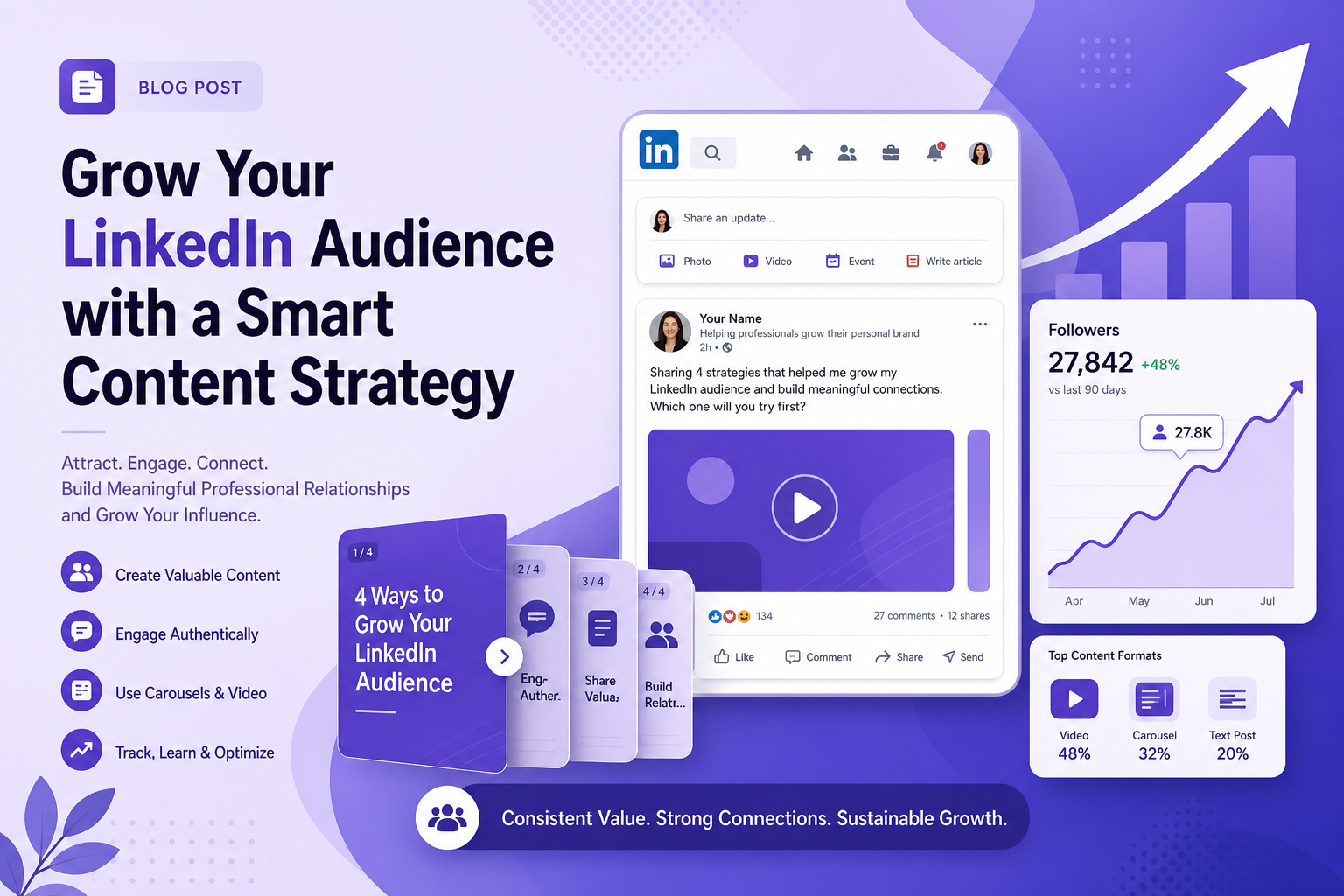
Most people on LinkedIn post text. Some post images. Very few post polished short videos or multi-slide carousels — and those formats get meaningfully more reach per post because LinkedIn actively promotes them in the feed.
Article Video Studio lets you take an article, blog post, or any written piece and convert it into a LinkedIn-ready video or carousel in minutes. You paste the URL or text, choose a visual template, and export the result as an MP4 video to post directly, a PDF carousel to upload as a LinkedIn document post, or individual PNG slides to use across other channels.
The compounding effect is significant. A single blog post becomes a video your LinkedIn audience watches in the feed, a carousel your followers swipe through and save, and an asset you can share externally — driving traffic back to your original article from people who would never have found the text version alone.
For creators who already write regularly, Article Video Studio closes the gap between the content they produce and the formats that actually grow an audience on LinkedIn. You are not writing twice — you are distributing once.
- Paste a blog post URL and generate a full video in minutes — no editing software needed.
- Export as MP4 for LinkedIn video posts, PDF for carousel document posts, or PNG slides for feed images.
- Drive external traffic back to your original article from viewers who discover the video first.
- Maintain a consistent visual identity across every piece of video content you publish.
Frequently Asked Questions
How often should I post on LinkedIn to grow my audience?
Three to five times per week is a reliable baseline for most creators. What matters more than frequency is showing up consistently — an account that posts four times a week every week outperforms one that posts daily for two weeks and then disappears.
What type of content gets the most reach on LinkedIn?
Video and carousel posts typically receive broader organic distribution than text-only posts because LinkedIn's algorithm actively promotes formats that keep users on the platform longer. Short video posts in particular are underused by most creators, which means less competition for that distribution.
How do I use Article Video Studio to grow my LinkedIn audience?
You paste a blog post URL or text into Article Video Studio, choose a visual template, and export the result as an MP4 video or PDF carousel. Post the video directly on LinkedIn for organic reach, or upload the PDF as a document post. Both formats outperform plain text posts and drive viewers back to your original written content.
Does posting video on LinkedIn actually increase followers?
Yes. LinkedIn video posts consistently reach non-followers through the feed and Discover sections, which text posts rarely do. Viewers who find value in the video tend to visit the poster's profile and follow, especially when the profile headline clearly communicates what the account is about.
Can I repurpose one piece of content for LinkedIn and other platforms at the same time?
Yes, and that is exactly the workflow Article Video Studio is built for. A single blog post can become a LinkedIn MP4 video, a PDF carousel, individual PNG slides for Instagram or Twitter, and a shareable link — without writing or designing anything new.