Use case
The Author's Guide to Video Without a Camera
Most nonfiction authors avoid video because they don't want to be on camera. Here's how to build a YouTube and LinkedIn presence from your book's content without filming yourself — ever.
Overview
TL;DR: Every objection nonfiction authors have to video ("I don't want to be on camera") disappears when you don't use a camera. Here's how to build a YouTube and LinkedIn presence from your book's existing text — without ever filming yourself.
The most consistent thing nonfiction authors say about video is: "I should be doing it, but I don't want to be on camera."
Behind that statement are several specific objections: I'm not photogenic on video. I don't have the setup. I'll come across awkwardly. I'm a writer, not a performer. I don't have time to learn video production on top of everything else.
Every one of these objections disappears when you don't use a camera.
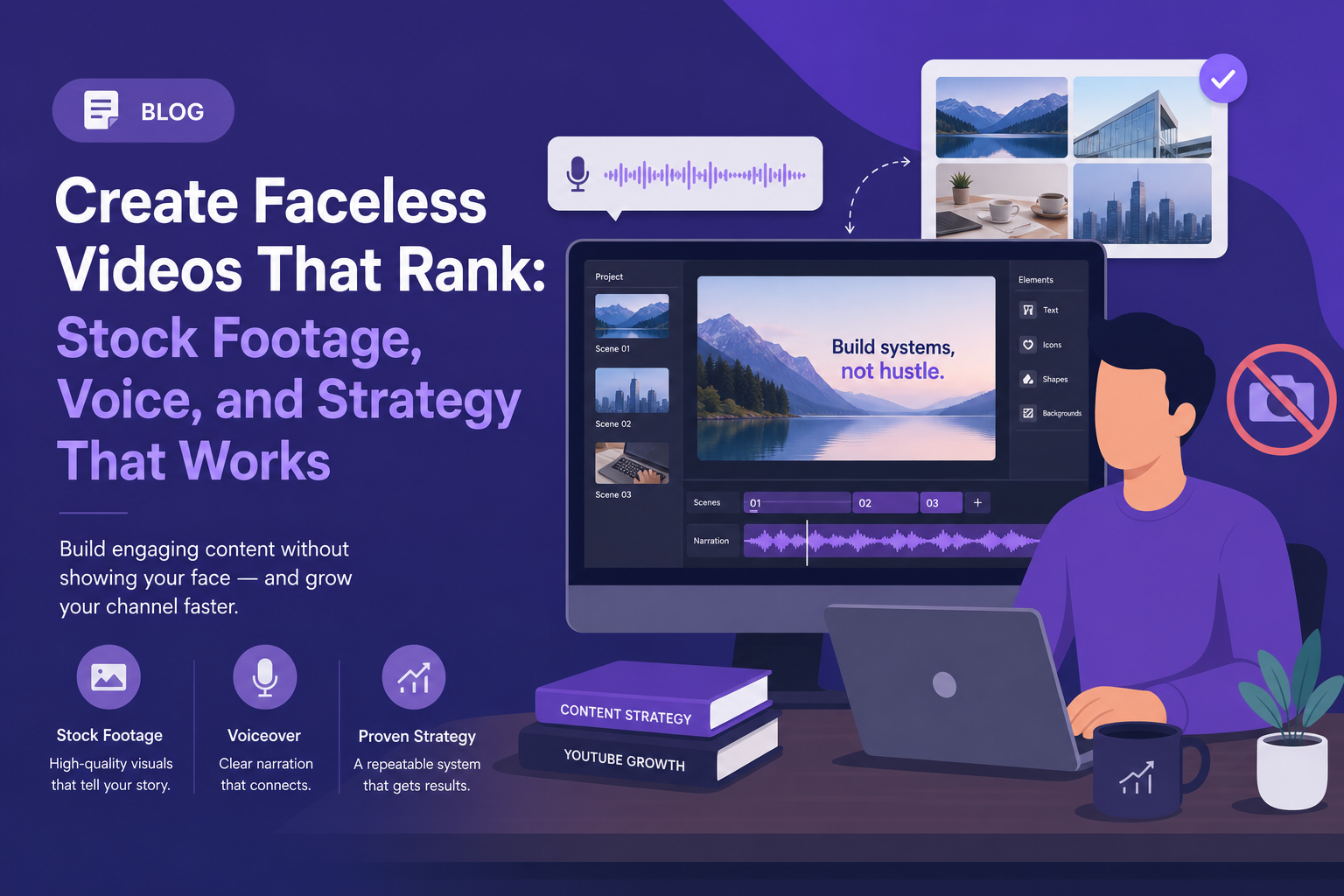
AI video tools in 2026 let you publish professional video content from your book's ideas — with narration, visuals, and professional production quality — without filming yourself, setting up a microphone, managing lighting, or editing footage. Your book is already the script.
What "No Camera" Video Actually Looks Like
When most people imagine "no camera video," they picture a screen recording or a narrated slideshow — the kind of low-production content that signals "I didn't want to do this but felt I had to."
That's not what this produces.
The output from an AI video workflow is closer to a professional explainer or broadcast segment:
1. Professional narration — AI voices that sound like a measured, articulate narrator rather than a text-to-speech robot
2. Structured visual scenes — each scene has a relevant image, background, or data graphic, not just blank slides
3. Broadcast-style templates — cinematic dark panels, editorial grids, bold typographic styles that look like something produced for a media channel
4. Data graphic overlays — when your book mentions a statistic or study, it appears on screen as a styled graphic
5. Scene flow — proper pacing and transitions that match the rhythm of your content
What the viewer gets: a professionally produced video about your book's ideas. What they don't see: you on camera.
The Camera Anxiety Isn't Just Comfort — It's a Quality Consideration
There's a legitimate case that some authors genuinely shouldn't be on camera right now. Not because they can't learn, but because:
1. On-camera presence requires practice. Most people look awkward on their first 20–30 videos. The authors who look natural on camera look natural because they've filmed dozens of videos and learned through iteration. If you publish awkward camera videos and they represent your book, that's a brand risk.
2. Writing-quality thinking doesn't always translate to speaking-quality delivery. The clarity that makes a book chapter land — precise language, well-constructed arguments, careful word choice — often needs to be relearned in a spoken format. This is a skill gap that takes real time to close.
3. Home studio setups look cheap when done poorly. A camera video shot in bad lighting with background clutter signals less investment than a well-produced no-camera video with professional templates.
The no-camera approach sidesteps all of these issues. Your book's writing is already at publication quality. The AI narration delivers that writing at a consistent, professional level. The visual template provides the production quality. You don't have to learn a second skill to build a video presence.
Which Parts of Your Book Work Best as No-Camera Video
Best source material:
Core concepts and frameworks If your book has a named framework, model, or system, that's your strongest video material. "The 5-Part System for X" is inherently visual — each part becomes a scene, and the structure of the framework becomes the structure of the video. These videos also tend to get searched directly (people search for the concept, find the video, buy the book).
Research and evidence The studies, data points, and research your book cites are video content. "What 20 Years of Research Shows About X" is a compelling video title, and the evidence you've already assembled in the book is the content. No-camera presentation of data actually lets the viewer focus on the numbers rather than the presenter.
Contrarian arguments If your book challenges conventional wisdom, that thesis is video gold. "Why [Common Belief] Is Actually Wrong" is the most reliably engaging format on YouTube. The AI narration delivers the argument; the viewer engages with the idea.
Case studies and examples The real-world stories and examples you used to illustrate your book's ideas translate directly to narrative videos. Story-based video is the most shared format on LinkedIn.
Weaker source material:
- Highly personal memoir content (the author's presence is the point)
- Content that relies heavily on dialogue or dialogue-style writing
- Humor-dependent content (narration doesn't carry comedic timing well)
The Workflow: From Book Excerpt to Published Video
1. Select the excerpt — identify a section of your book that stands alone as a complete argument or explanation (typically 300–800 words; a major subsection or a key argument within a chapter)
1. Light adaptation if needed — remove chapter-specific references ("as we discussed in Chapter 2") and phrases that assume the reader has read earlier sections. The video needs to work for someone who has never heard of your book.
1. Open Article Video Studio → articlevideostudio.com → New Project
1. Paste the text or paste the URL if you've published an excerpt on your website or Substack
1. Select a template: - Gridcraft — for framework and concept content; clean, analytical, organized - Nightfall — for deep, serious argument-driven content; premium feel - Geometric Explainer — for step-by-step or how-to content from the book - Chronicle — for research-heavy or evidence-based content - Spotlight — for contrarian or thesis-first videos with a strong claim
1. Choose a narrator voice — pick one and keep it consistent across all your book videos. This is your author "voice" in video form.
1. Generate (2–3 minutes)
1. Review each scene — check that the AI captured your argument accurately; adjust any scene where the nuance of your book's argument needs to be tighter
1. Export as MP4 for YouTube and LinkedIn
- Publish — with a description that includes your book title and a purchase link
Your Book's Title Doesn't Have to Be the Video Title
This is one of the most important things to understand about video-based book marketing.
"[Book Title] Summary" is a poor YouTube video title. Almost no one searches for that unless they already know the book exists.
"How to [Core Transformation Your Book Promises]" is a strong YouTube video title. People searching for the transformation are searching, and if your video delivers value on that question, they'll find the book.
Examples:
Deep Work — Poor Video Title: "Deep Work Book Summary" · Better Video Title: "Why Shallow Work Is Killing Your Career (And What To Do About It)"
The Psychology of Money — Poor Video Title: "The Psychology of Money Chapter 3" · Better Video Title: "Why Smart People Make Terrible Financial Decisions"
Atomic Habits — Poor Video Title: "Atomic Habits Overview" · Better Video Title: "The 1% Rule: How Tiny Changes Compound Into Huge Results"
The better title targets the idea, not the book. Viewers who find and watch the video then discover the book. That's a fundamentally better acquisition path than hoping people search for your title directly.
Publishing Without Burnout
The most important thing about a no-camera video strategy for authors: it's sustainable.
A camera video workflow requires filming (which needs preparation and setup), editing (which is time-intensive), and the emotional energy of "performing" on camera. Most authors who start this route burn out by video 10 because the cost per video is too high relative to their core work (writing).
An AI video workflow requires selecting text, making template and voice choices, reviewing the output, and posting. For most authors, this is 30–45 minutes per video, with no emotional overhead from performance anxiety.
Sustainable content production wins in the long run. A video published every two weeks for two years outperforms a burst of 10 launch videos followed by silence — and that's the pattern most authors fall into.
Frequently Asked Questions
Will viewers know the narration is AI-generated?
They may recognize it as AI-narrated if they're paying close attention, though current AI voices are significantly better than they were 2–3 years ago. In practice, most viewers are focused on the information, not the narrator's voice quality. Disclose it in your YouTube description if you prefer transparency: "Narrated with AI voiceover."
What if my book has a very specific, personal voice? Will AI narration lose that?
The narration delivers your text as written. If your writing voice is strong and distinctive, that voice survives through the prose itself — word choice, rhythm, sentence structure. What the AI narration can't capture is delivery style. If your speaking voice and manner is central to your brand, consider recording audio yourself and uploading it as a custom voiceover instead.
Can I use no-camera video alongside occasional on-camera appearances?
Yes, and this combination is effective. The no-camera videos handle consistent content production; occasional on-camera appearances (for big announcements, Q&As, or conversational content) add a personal dimension without requiring a high production volume. Many successful authors use exactly this mix.
How do I handle the book's copyright if I'm directly quoting passages?
You own the copyright on your book. You can quote from it freely for marketing and promotional purposes. Adapting your own material for video is straightforward — you're creating derivative works of your own content.
Is this strategy different for fiction vs. nonfiction authors?
Yes. Nonfiction content adapts more naturally to video because it's idea-and-information based. Fiction has a different video strategy — readings, world-building explainers, character analyses, and "behind the book" content. The no-camera workflow still applies, but the source material is less directly usable as-is from the book text.