Use case
Turning Your Book's Big Ideas Into Shareable Video: A Workflow for Authors
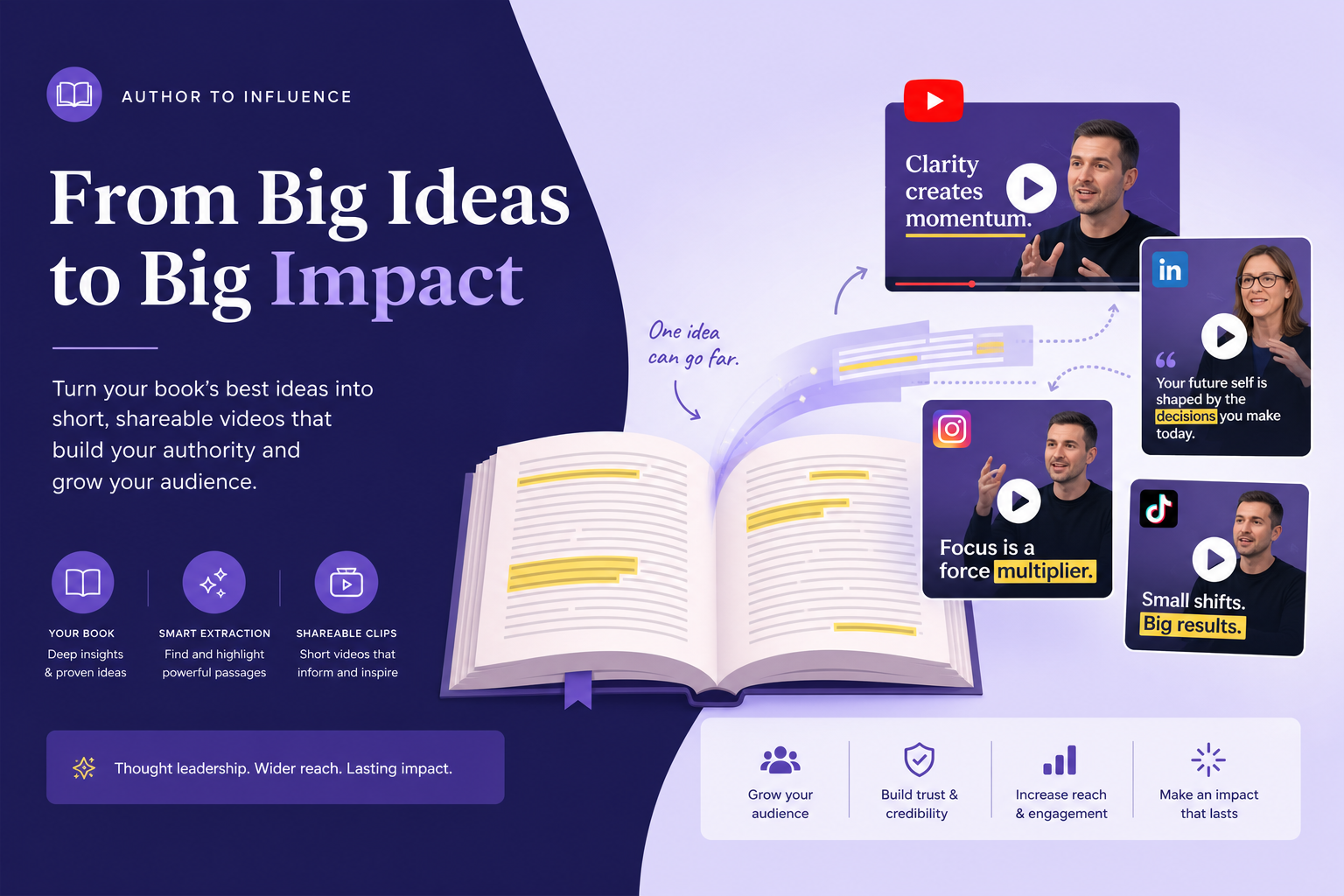
A step-by-step workflow for nonfiction authors who want to turn their book's ideas into video content that reaches new audiences — without a studio, a team, or video production experience.
Overview
TL;DR: A step-by-step workflow for nonfiction authors to turn a single idea from their book into a shareable video, from source material to published post — with no studio, team, or prior video experience.
Most author video advice focuses on the result: "you should be posting on YouTube." Very little of it explains the actual process — what you open, what you paste where, what decisions you make along the way, how long it takes.
This is a workflow piece. It covers the exact steps, in order, for turning an idea from your book into a shareable video — from source material to published post. It assumes no prior video production experience.
What You Need Before You Start
1. Your book's manuscript, published text, or a blog post/excerpt — any form of your book's content in text format
2. A Article Video Studio account — articlevideostudio.com; free to preview, $4 per exported video
3. A YouTube channel and/or LinkedIn profile — where the video will be published
4. 20–45 minutes — total time per video from start to published
That's the full list. No camera, no microphone, no editing software.
Step 1: Choose the Right Idea (10 minutes)
Not every idea in your book makes an equally good video. The best video ideas have three properties:
Standalone completeness — the idea makes sense without requiring the viewer to have read the rest of the book. If your video requires ten minutes of context from earlier chapters to understand, it won't work for a new audience.
Search-worthy framing — the idea can be expressed as a question people are actually asking. "Why conventional wisdom about [topic] is wrong" or "How [specific mechanism] works" are searchable. "Thoughts on theme three of my framework" is not.
Emotional hook — the idea either surprises people, challenges a belief they hold, or promises a specific practical benefit. Neutral, academic ideas ("here's a nuanced discussion of multiple perspectives") are hard to share. Clear, specific ideas ("the one thing most people get wrong about X") are easy to share.
Look through your book for ideas that hit all three criteria. They're usually:
1. Your book's central thesis (the argument that drove you to write it)
2. Your most counterintuitive claim
3. Your strongest case study or example
4. A concept you invented or named that others haven't articulated this way
Mark 10–15 candidates. You'll produce them over time; you need one to start.
Step 2: Prepare the Source Text (5 minutes)
Your source text is the section of your book that contains the idea. This might be:
1. A chapter introduction (typically 300–600 words)
2. A key subsection (200–500 words)
3. Multiple paragraphs from across a chapter (combined into a single document)
Two adjustments that improve AI video output:
1. Remove internal cross-references. Phrases like "as we discussed in Chapter 2" or "returning to the framework from Part One" assume a reader's context. Remove these or replace them with brief summaries. The video viewer is encountering this idea for the first time.
1. Expand abbreviations on first use. If your book abbreviates a term after introducing it (e.g., "cognitive behavioral therapy (CBT)" → then uses "CBT"), the AI narration will speak abbreviations directly. Either spell them out throughout, or note the full term where it first appears.
These two adjustments take 5 minutes and meaningfully improve the output accuracy.
Step 3: Open Article Video Studio and Create a Project (2 minutes)
- Go to articlevideostudio.com → Log in → New Project
- Choose Paste Text (for manuscript excerpts) or Paste URL (for published articles/blog excerpts)
- Enter a project title — use the video title you intend to publish, not the chapter title. This helps you stay organized when you have multiple projects from the same book.
Step 4: Select a Template (3 minutes)
This is the most consequential creative decision in the workflow. The template determines the visual identity of every video from your book.
For most nonfiction authors, Gridcraft or Chronicle is the right choice. Both read as serious, analytical, and credible — which is the baseline for nonfiction authority. The difference: Gridcraft is modern and editorial; Chronicle is more document-forward and academic.
When to use other templates:
Nightfall — When to Use: Deep, narrative-driven ideas; content with cinematic emotional weight
Spotlight — When to Use: Contrarian or provocative arguments; content with strong opinions
Geometric Explainer — When to Use: Step-by-step frameworks; how-to content from the book
Newscast — When to Use: Data-heavy findings; "here's what the research shows" content
Pick one template and commit to it for your first 10 videos. Consistency builds channel identity. Variety looks like you haven't figured out what you are yet.
Step 5: Choose a Voice (2 minutes)
Preview a few voices from the library and pick one that matches the tone of your book:
1. Measured and authoritative → good for evidence-heavy or business content
2. Conversational and warm → good for self-help or personal development content
3. Crisp and analytical → good for research-based or strategy content
Save your voice choice. Use it for every video from this book. Your narrator is your author voice in video format — consistency here builds recognition faster than any other single decision.
Step 6: Generate and Review (8–12 minutes)
Click Generate. The video builds in 2–3 minutes.
What to check in the review:
Accuracy of key claims: Read each scene's narration against your source text. The AI is reliable on straightforward arguments and evidence; it occasionally simplifies a nuanced point more than you'd want. For any scene where the nuance matters, adjust the scene text directly.
Data points: If you cited a specific statistic, check that it appears correctly. Numbers are usually handled accurately, but verify important ones.
Scene flow: Does the video feel like it's building toward something? The AI structures videos chronologically from your text, which usually works. If a key point feels buried, you can reorder scenes.
Visual fit: The AI selects stock images for each scene based on the content. These are usually relevant; occasionally one is generically off. Swap any image that feels wrong for the scene's content by uploading an alternative.
Step 7: Export (1 minute)
For YouTube: Export as MP4 (high quality) For LinkedIn: Same MP4 works as native video upload For your author website: The MP4 can be embedded directly Optional: Export as PDF slides for a companion LinkedIn carousel
Step 8: Write the Title and Description (5 minutes)
This step happens outside Article Video Studio, but it determines how many people find the video.
YouTube title: Not your chapter title. A searchable question or claim about the idea. "Why [Common Belief About Your Topic] Is Wrong" or "The [Specific Thing] That Changed How I Think About [Topic]" — specific, searchable, emotionally engaging.
YouTube description: First 2–3 sentences should restate the video's core argument (these appear before the "show more" fold and are what Google indexes). Then: your book's full title and purchase link. Then: your newsletter or website link. Then: any timestamps if the video is longer than 8 minutes.
LinkedIn caption: First line is your thesis or most interesting claim. Second line is one supporting fact or observation. Third line: "Watch — 4 min." or similar. Link to your book in the first comment, not the caption itself.
Step 9: Publish and Engage in the First 60 Minutes (5 minutes)
For LinkedIn specifically, the first hour after posting determines distribution. During that window:
1. Reply to every comment, even briefly
2. Ask a question in the comments yourself to seed engagement
3. Share the post with a few colleagues who might genuinely find it useful
YouTube is less sensitive to the first-hour effect but benefits from complete views in the first few days, which signals to the algorithm that the video is worth promoting.
The Full Workflow at a Glance
- 1 — Activity: Choose idea from book · Time: 10 min
- 2 — Activity: Prepare source text · Time: 5 min
- 3 — Activity: Create Article Video Studio project · Time: 2 min
- 4 — Activity: Select template · Time: 3 min
- 5 — Activity: Choose voice · Time: 2 min
- 6 — Activity: Generate + review · Time: 10 min
- 7 — Activity: Export · Time: 1 min
- 8 — Activity: Write title + description · Time: 5 min
- 9 — Activity: Publish + early engagement · Time: 5 min
- Total — Activity: · Time: ~43 minutes
Building a Repeatable System
After the first 3 videos, this workflow becomes faster because:
1. Template and voice are already decided
2. You know what level of review each video needs
3. Title-writing becomes easier as you develop a pattern
Authors who build this into a regular practice — one video per week or two per month — describe it as the first content workflow they've maintained for more than a month. The low production overhead compared to camera video is what makes it sustainable.
At one video per week for a year, you have 52 videos covering your book's ideas from every angle. At that scale, your book has a permanent, searchable presence on YouTube that keeps working long after the launch window.
Frequently Asked Questions
What if I publish an article or excerpt from my book first, then make a video? Or vice versa?
Either order works. Many authors write a Substack or Medium essay about a chapter's ideas, publish it, and then make a video from the same content. This creates two versions of the same idea for different discovery channels. Others make the video first and then write the essay as a follow-up. Test both sequences and see which drives more engagement for your audience.
Can I use this workflow for multiple books?
Yes. Keep separate Article Video Studio projects for each book's content. You can also choose a different template for each book if you want visual differentiation between your titles — Gridcraft for one, Nightfall for another.
What if my book's ideas are heavily visual — diagrams, flowcharts?
Upload your diagrams as scene images in the editor. Replace the AI-selected stock images with your own visuals for relevant scenes. The narration stays the same; the diagram appears in the frame while it's being explained.
How do I decide between YouTube-first vs. LinkedIn-first publishing?
YouTube if you're targeting general audiences who search for your topic. LinkedIn if you're targeting professionals and want fast feedback loops. For most nonfiction authors with a business, self-help, or professional development angle, starting with LinkedIn provides faster early results while YouTube builds long-term discovery.
Can I batch-produce videos to avoid doing this every week?
Yes. Block a half-day once a month and produce 4–8 videos at once. Export all of them, schedule them to publish one or two per week across the month. Most video scheduling tools (YouTube Studio, Buffer, Hootsuite) support this. Batch production is more efficient and reduces the "I need to make a video this week" decision fatigue.