Use case
How to Produce 12 Client Videos in One Afternoon (Without a Video Team)
A step-by-step walkthrough of how a marketing agency can convert 12 client blog posts into branded videos in a single afternoon using an AI video workflow — with actual time estimates.
Overview
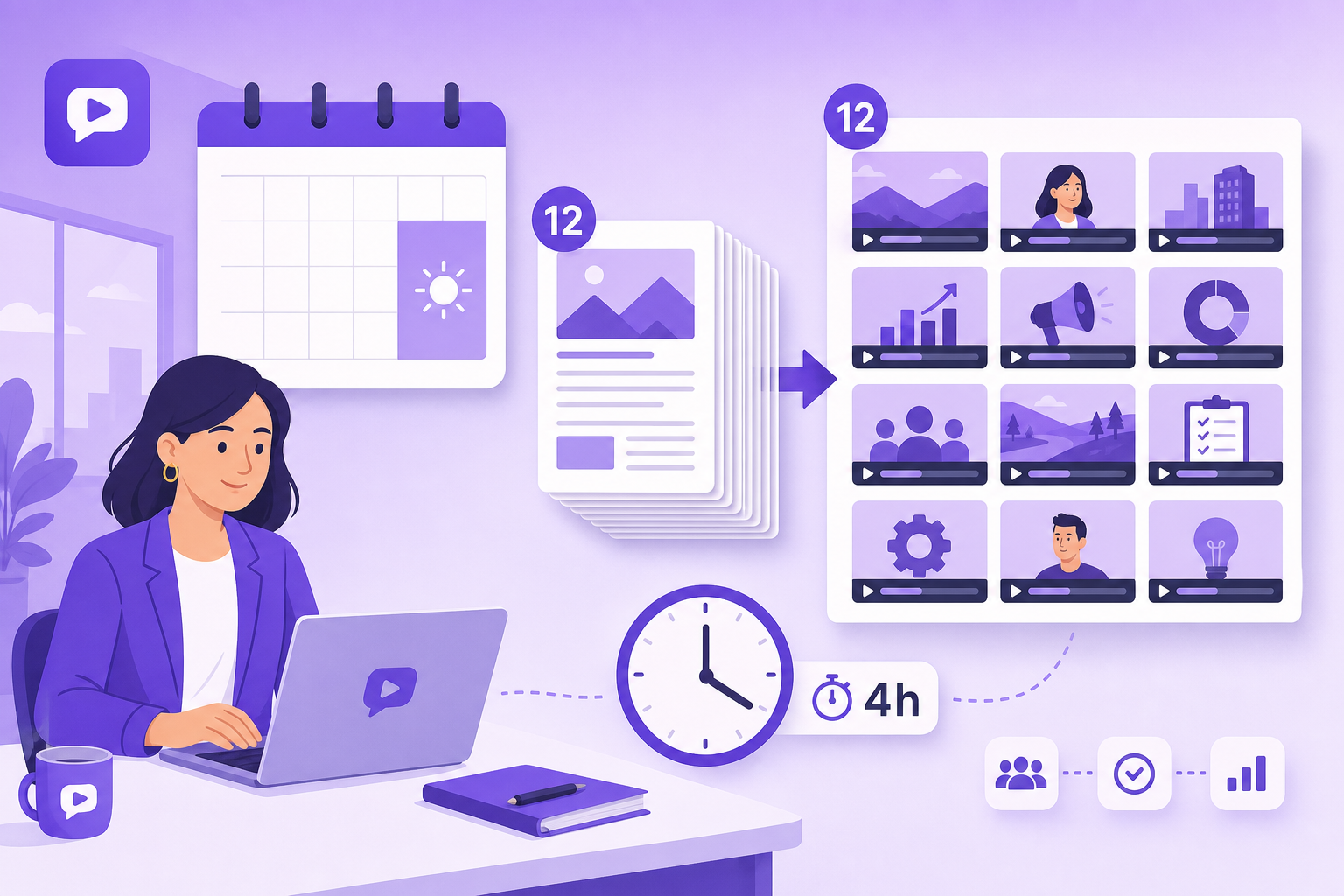
TL;DR: One account manager with no video experience can turn 12 client blog posts into branded, client-ready videos in a single ~5.5-hour afternoon. This post gives the exact step-by-step workflow, per-video time estimates, and the ~89% margin math.
This is a workflow post, not a theory post. The premise is testable: a single account manager with no video experience can produce 12 client-ready videos in one working afternoon using an AI video workflow.
Here's exactly how it works, with time estimates for each step.
Prerequisites
Before the afternoon session, you need:
1. A list of 12 blog posts to convert — from a content audit or client direction (see the content selection section below)
2. A Article Video Studio account — articlevideostudio.com, pay-per-video, no subscription required
3. Client brand notes — template preference, voice style, any topics to avoid
4. A folder structure — one folder per client, subfolders for MP4/PDF/PNG exports
Setup time (one-time): 30 minutes the first time you do this for a new client.
Content Selection: How to Pick the 12 Posts
Not all blog posts convert equally well. The fastest way to pick 12 candidates:
Sort by traffic, then fit:
1. Open Google Search Console for the client → sort by clicks, last 12 months
2. Take the top 20 posts by traffic
3. Filter for content types that work best as video: - Explainers ("What is X," "How X Works") - Process guides ("How to do X step by step") - Comparison posts ("X vs. Y: Which is better?") - Analysis pieces with clear arguments or data points
4. Remove any that are purely news/timely (video has a longer shelf life — timeless content performs better)
5. You now have 12–15 candidates; pick 12
Time for content selection: 30 minutes (do this before the session)
The Session: 12 Videos in 4 Hours
Here's the actual breakdown of the afternoon. You're processing roughly one video every 20 minutes.
Hour 1: Videos 1–3
Video 1 (45 min — calibration video): The first video for any new client takes longer because you're establishing the production standard.
1. Open Article Video Studio → New Project → paste post 1 URL
2. Select template based on client brand (if unsure, start with Gridcraft — it's neutral and professional)
3. Set the voice and language
4. Generate (2–3 min)
5. Review every scene — read the narration, check the visual layout, note any issues
6. If the template or voice isn't right, adjust and regenerate (5 min)
7. Export MP4 + PDF + PNG
8. Document the calibration: template name, voice name, any scenes you adjusted
9. Take 5 minutes to write a client "production brief" — a single paragraph about what this client's video should look, sound, and feel like. You'll use this brief for all 11 remaining videos.
Calibration video total: ~45 minutes
Videos 2–3 (30 min each): You now have your production brief. The process is:
1. Open new project → paste URL
2. Apply calibration settings (template, voice)
3. Generate → quick scene review (look for factual errors, awkward narration cuts)
4. Light edits if needed
5. Export all formats
6. Name files properly: [client]-[topic]-[date]
Hour 1 total: 3 videos, ~105 minutes. Take a 15-min break.
Hour 2: Videos 4–6
You're now in the rhythm. Each video takes 20–25 minutes:
1. Paste URL → generate → review → export → file
The review step is where most time goes. You're checking:
1. Accuracy — did the AI represent the post's key points correctly?
2. Pacing — does any scene feel too rushed or too slow?
3. Visual fit — is the image selection appropriate for this client's industry?
Common quick fixes:
1. A scene that needs its narration trimmed → edit the text field
2. An image that's off-topic or mismatched → swap it
3. A section the post glossed over that the AI over-expanded → remove the scene
Most videos need 0–2 adjustments. Build 5 minutes of edit time per video into your estimate and you'll be fine.
Hour 2 total: 3 videos, ~75 minutes
Hour 3: Videos 7–9
Same rhythm. At this point you know the client's content well enough to catch errors faster. Your review pass gets quicker.
One useful habit: open two Browser tabs — one with the original blog post, one with the Article Video Studio editor. Tab-switch to check the AI's interpretation against the source. This catches the most common error (AI summarizing a key point inaccurately) in under 30 seconds.
Hour 3 total: 3 videos, ~60 minutes
Hour 4: Videos 10–12 + Delivery Prep
Videos 10–12 (15–20 min each): By now the pattern is locked in. You're executing, not deciding.
Delivery prep (30 min):
1. Rename all files with consistent naming convention
2. Organize folders: MP4, PDF, PNG per video
3. Write a short delivery note per video: what it covers, where it should be published (YouTube? LinkedIn? Embedded in the post?)
4. Prepare a quick client-facing summary: "Here are 12 videos ready for distribution. Recommended publication schedule: 3/week over 4 weeks."
Hour 4 total: 3 videos + delivery prep, ~90 minutes
Total Time
Content selection (pre-session) — Time: 30 min
Calibration video — Time: 45 min
Videos 2–12 (11 × 20 min) — Time: 220 min
Delivery prep — Time: 30 min
Total — Time: ~5.5 hours
That's one person, one afternoon session, 12 client-ready videos.
Cost breakdown:
1. Tool cost: 12 × $4 = $48
2. Labor (at $75/hr blended rate): 5.5 × $75 = $412
3. Total production cost: ~$460
4. Client billing at $350/video: $4,200
5. Margin: ~$3,740 (89%)
This is why video repurposing is one of the highest-margin agency services available in 2026.
Quality Control Before Delivery
Run this checklist on every video before it goes to the client:
Content accuracy:
1. [ ] Key claims in the video match the source post
2. [ ] No statistics that are outdated or misrepresented
3. [ ] Product names, company names, and proper nouns are correct
Production quality:
1. [ ] No awkward narration cutoffs mid-sentence
2. [ ] No scenes that are visually off-brand for this client
3. [ ] Image selections are appropriate for the industry (no stock photo clichés on premium brand clients)
4. [ ] Export is full resolution (not preview-quality)
Distribution readiness:
1. [ ] MP4 exported for YouTube/LinkedIn
2. [ ] PDF exported for LinkedIn carousel
3. [ ] Files named properly with client and topic
4. [ ] Delivery note written for each video
If a video fails on any accuracy item, fix it. If it fails on any production item, decide whether it's a dealbreaker or cosmetic. Most cosmetic issues are invisible to the client.
What to Do With the Videos After Delivery
Delivering the files is not the end of the workflow. Where the videos go matters as much as the videos themselves.
YouTube: Upload with the original blog post title as the video title (keyword match), add the blog post URL to the description, embed the YouTube video back in the original post. This creates a reciprocal traffic loop: blog sends traffic to YouTube, YouTube sends traffic back to the blog.
LinkedIn: Post as a native video (not a YouTube link — native video gets far more organic reach on LinkedIn). Include the first 2–3 sentences of the blog post as the caption to give context.
The blog post itself: Embed the video at or near the top of the post. This increases time-on-page — a user who watches a 3-minute video on the page is signaling strong engagement, which over time improves the page's organic rankings.
Email: Send a "video version now available" email to the subscriber list for the 3–4 most important pieces. Subject line: "We made a video of [title] — 3 min watch." These emails consistently get above-average open rates because video in email is still novel enough to draw attention.
Frequently Asked Questions
What if the client wants to review all 12 before they're delivered?
Build a review round into your project agreement. Send a shared Dropbox/Drive folder with all videos labeled. Give the client a 3-business-day review window. Schedule a 30-min feedback call to address any changes in bulk rather than one at a time.
What's the right cadence to publish 12 videos?
Three per week over four weeks is a common starting point. This builds a YouTube channel faster than one-per-week, and the algorithm rewards consistent publishing. If the client has a newsletter, align video publication with newsletter send dates.
What if a client wants custom music in every video?
Factor in 15 extra minutes per video for adding licensed background music in a video editor post-export. This adds cost to the project. Keep royalty-free music options pre-curated by category (corporate, energetic, ambient) so you're not sourcing music for every video.
How do we handle content that's time-sensitive or has been updated?
Before conversion, compare the live blog post to what's in Google Search Console. If the post has been updated since it first ranked, use the current version. Check any embedded statistics for dates — "in 2023" appearing in a 2026 video is a brand risk for the client.
Can one agency run this workflow across multiple clients simultaneously?
Yes. Batch by client — run all videos for Client A in one session, Client B in another. Mixing clients in a single session leads to calibration confusion and more errors. Dedicated sessions per client produce cleaner output faster.